

Capture. Mark. Speak.Paste once.
Mark each screenshot and hold Space to say what to change. Paste the whole review into your AI chat.
Download on the Mac App StoreFor macOS 26+ · Apple Silicon · No account needed
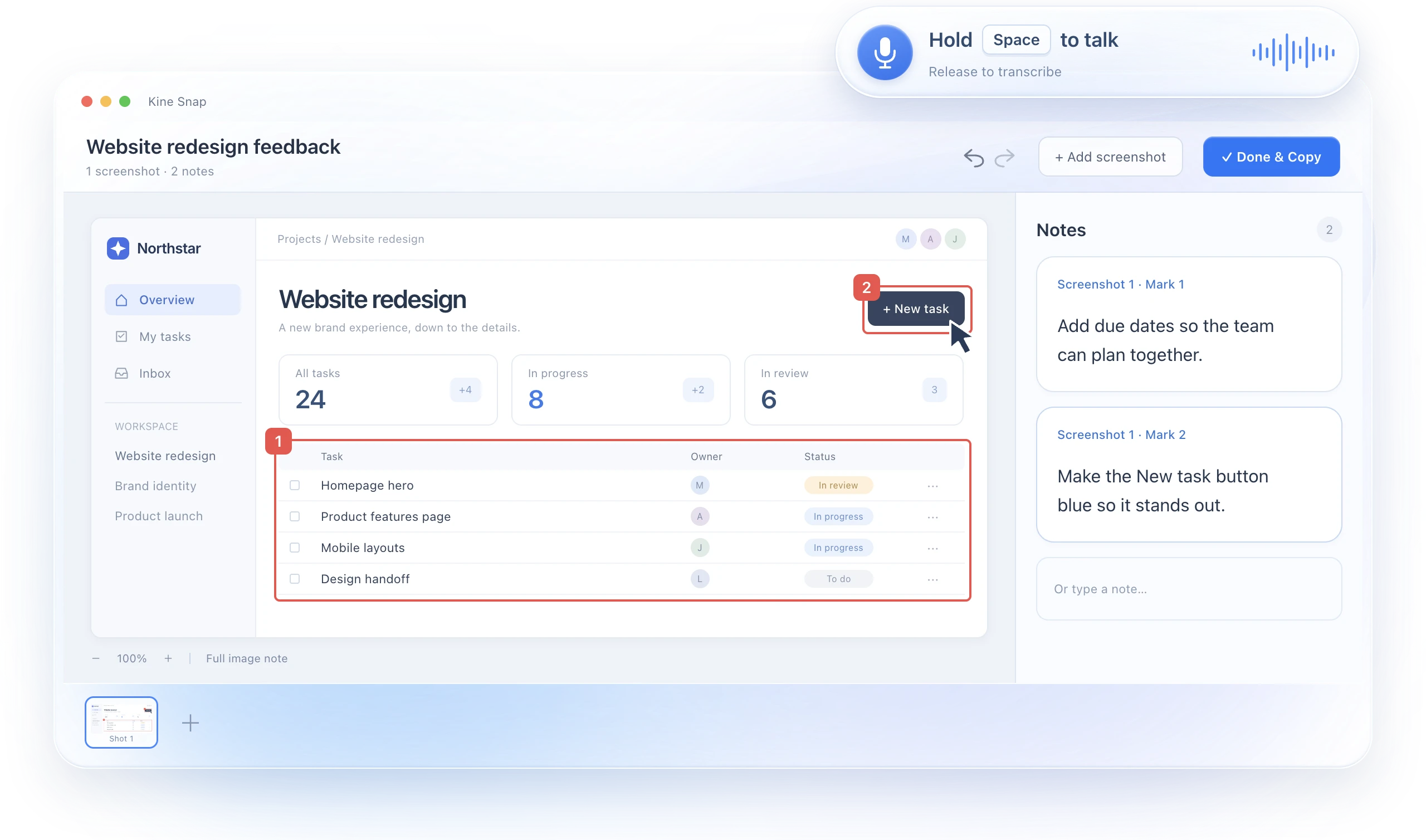
- 01Capture the issue
- 02Mark the spot
- 03Hold Space to talk
Illustrated workflow. Final app appearance may vary.
FINISH & COPY
Every screenshot.Every note.One paste.
Keep capturing as you review the page. When you’re done, choose Finish & Copy and paste the marked PNGs and Markdown notes into your AI coding chat.
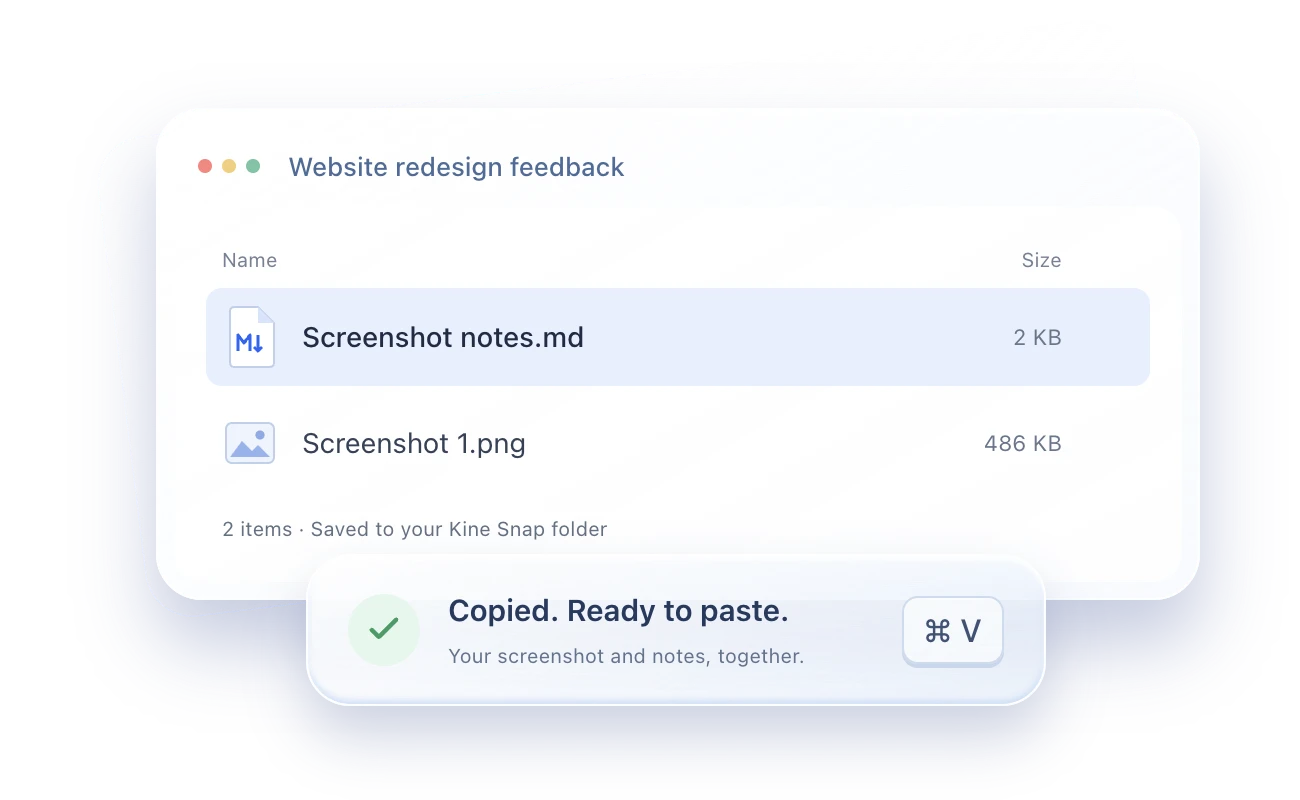
If your chat accepts one file at a time, attach the files from your Kine Snap library.
 On your Mac. No account needed.
macOS 26+ · Apple Silicon (M1 or later). Apple language resources may need a first-time download.